Role-based views
Owners, staff, customers, vendors, partners, auditors, or admins can see different tasks, records, documents, and actions.

Custom dashboards and internal tools
Bluegrass builds custom dashboards, internal tools, staff portals, intake workflows, reporting screens, and role-based admin views for teams that need more than a public website.
A useful dashboard is not just charts. It helps the right person see the right records, make the next decision, and trust the handoff.
Owners, staff, customers, vendors, partners, auditors, or admins can see different tasks, records, documents, and actions.
Dashboards can organize requests, documents, forms, customers, students, projects, inventory, payments, or cases into cleaner views.
Internal tools can show what is new, what is missing, what is due, what is blocked, and who owns the next step.
Useful screens can combine analytics, status, QA checks, exceptions, exports, and admin notes without making people hunt through tools.
The right first release depends on the workflow, users, risk, and how much data already exists.
The examples use mock, synthetic, or redacted data. They are designed to make scope visible, not to claim that integrations, payments, authentication, or production records are already connected.
PrimeCare, Recipe Check, Esdiac TIP, and Knue Laser show the production side of dashboards, records, admin tools, mobile flows, LMS workflows, and launch support.
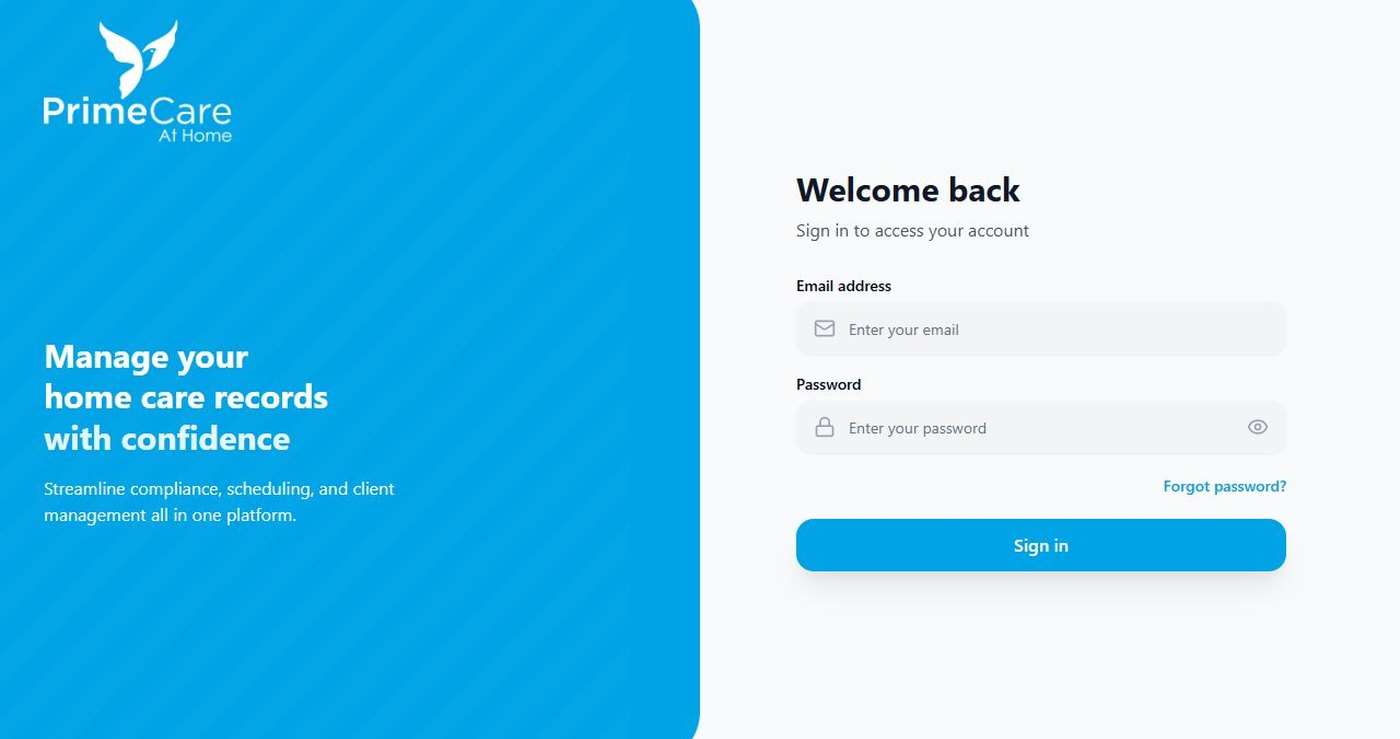
A secure web platform for records, onboarding, document tracking, compliance reminders, audit views, and admin visibility.
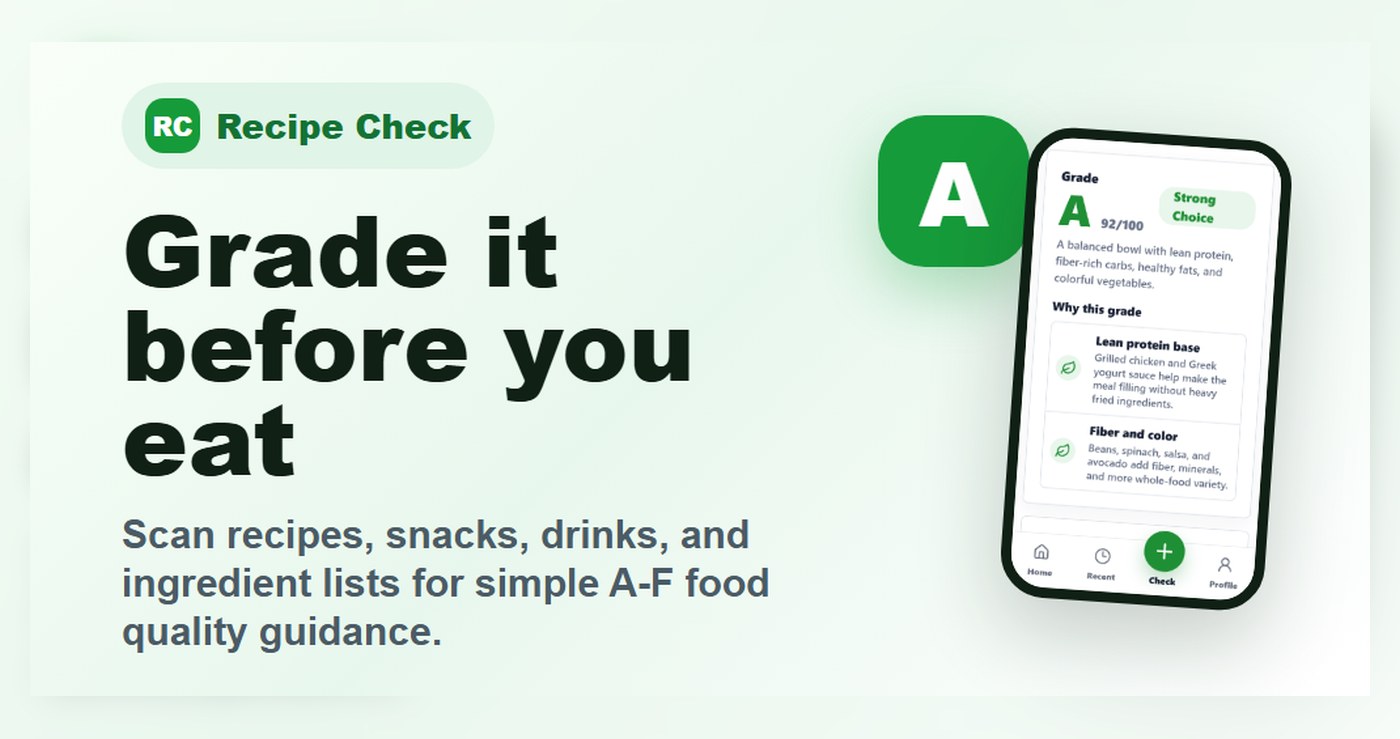
A mobile-first app foundation with food-quality checks, photo and text inputs, account flows, admin tools, policy pages, and launch support.
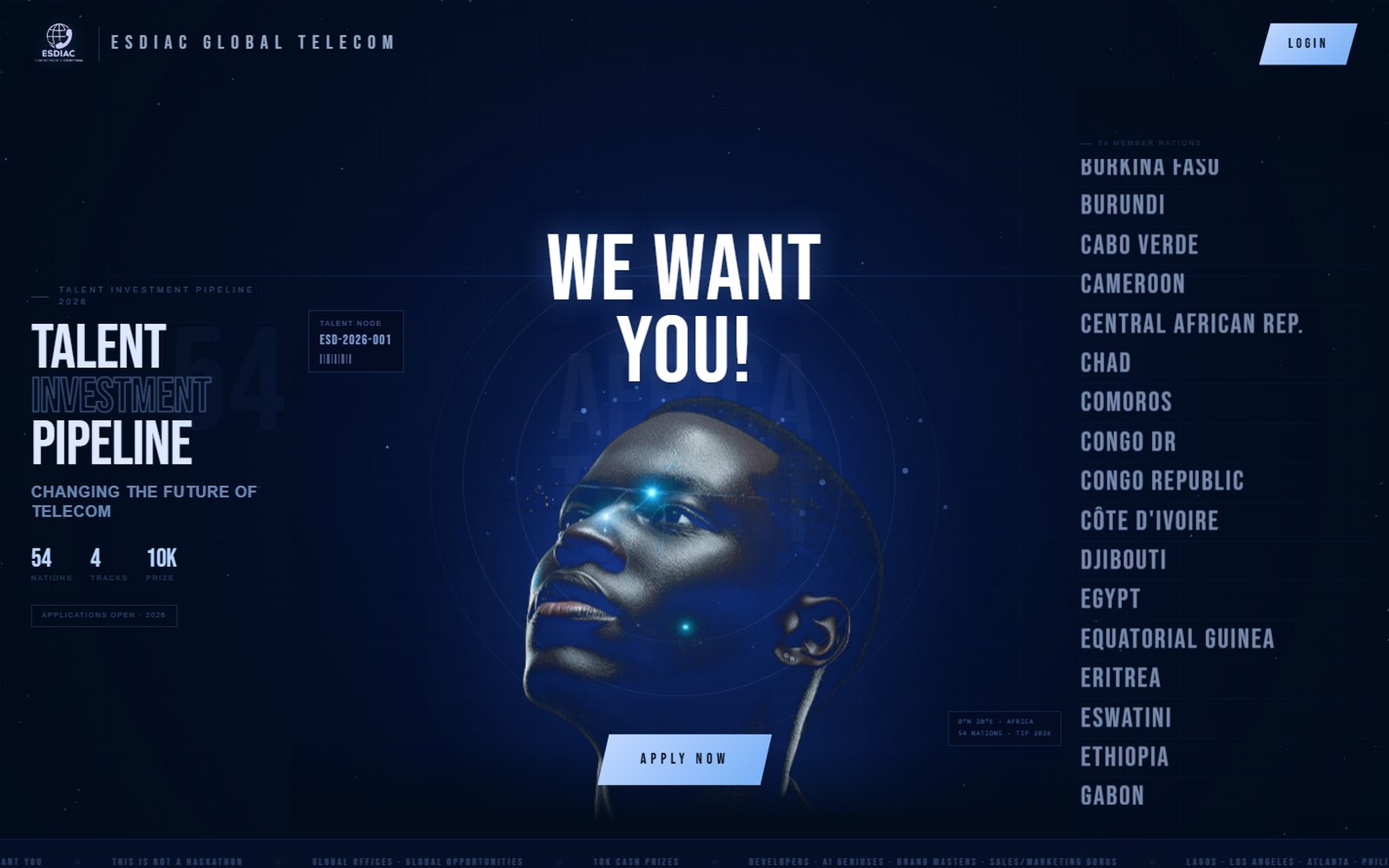
A custom talent pipeline platform with applicant intake, category workflows, evaluator scoring, admin dashboards, audit logs, and candidate pipeline management.

A WordPress and LearnDash training platform with registration, Stripe payments, lessons, quizzes, progress tracking, and instructor tools.
Use these pages to move from proposal, demo, or planning into the service that matches the real build.
For the broader portal, integration, workflow, and admin-tool service page.
For the records, permissions, APIs, integrations, and reliability behind a dashboard.
For a plain-English list of portal, dashboard, document, commerce, and AI-assisted workflow examples.
Send the RFP, current site, workflow notes, or screenshots. Bluegrass can help shape the safest first scope and the proof assets around it.

Bluegrass Media builds dependable websites, eCommerce experiences, and custom web tools for organizations that need clear communication and reliable execution. adipiscing elit. Maecenas gravida orci id sem aliquet, eu egestas dui ullamcorper. In malesuada urna a suscipit cursus. Class aptent taciti sociosqu ad litora torquent per conubia nostra, per inceptos himenaeos. Proin efficitur nunc a magna blandit pulvinar. Curabitur venenatis id ligula et porttitor. Mauris feugiat interdum arcu, at convallis magna viverra quis. Sed ut urna commodo, laoreet turpis sed, dictum quam.
Vestibulum dignissim risus blandit dolor mollis, in congue orci malesuada. Quisque justo nisl, suscipit eget iaculis quis, rutrum ac massa. In hac habitasse platea dictumst. Aliquam sed velit fermentum, suscipit arcu ut, vulputate libero. Praesent at ultricies nulla. Etiam vitae turpis quis justo tincidunt varius. Quisque vulputate, libero in euismod suscipit, dui ligula viverra nulla, et hendrerit lectus tellus eget tortor. Donec sit amet justo pharetra metus convallis elementum non at lectus. Integer placerat facilisis dui, vel aliquet erat lacinia in. Integer vel metus nec lectus sollicitudin consequat rutrum ut metus. Morbi elementum est orci, vehicula feugiat dolor condimentum ut. Sed sapien sem, tempus eu tempor sit amet, feugiat eu sapien. Etiam non risus sed ipsum tristique posuere. In eget nisi vitae libero congue molestie non quis justo. Curabitur ut auctor leo, varius sollicitudin diam.