Custom business web tools examples

Custom Business Web Tools Examples

Custom web tools are the practical dashboards, portals, workflows, integrations, and private screens that help a business run work that a normal website cannot handle on its own.

The best examples start with a real process.

The goal is not to build software for the sake of software. It is to make records, handoffs, approvals, documents, customer access, reporting, and staff workflows easier to run.

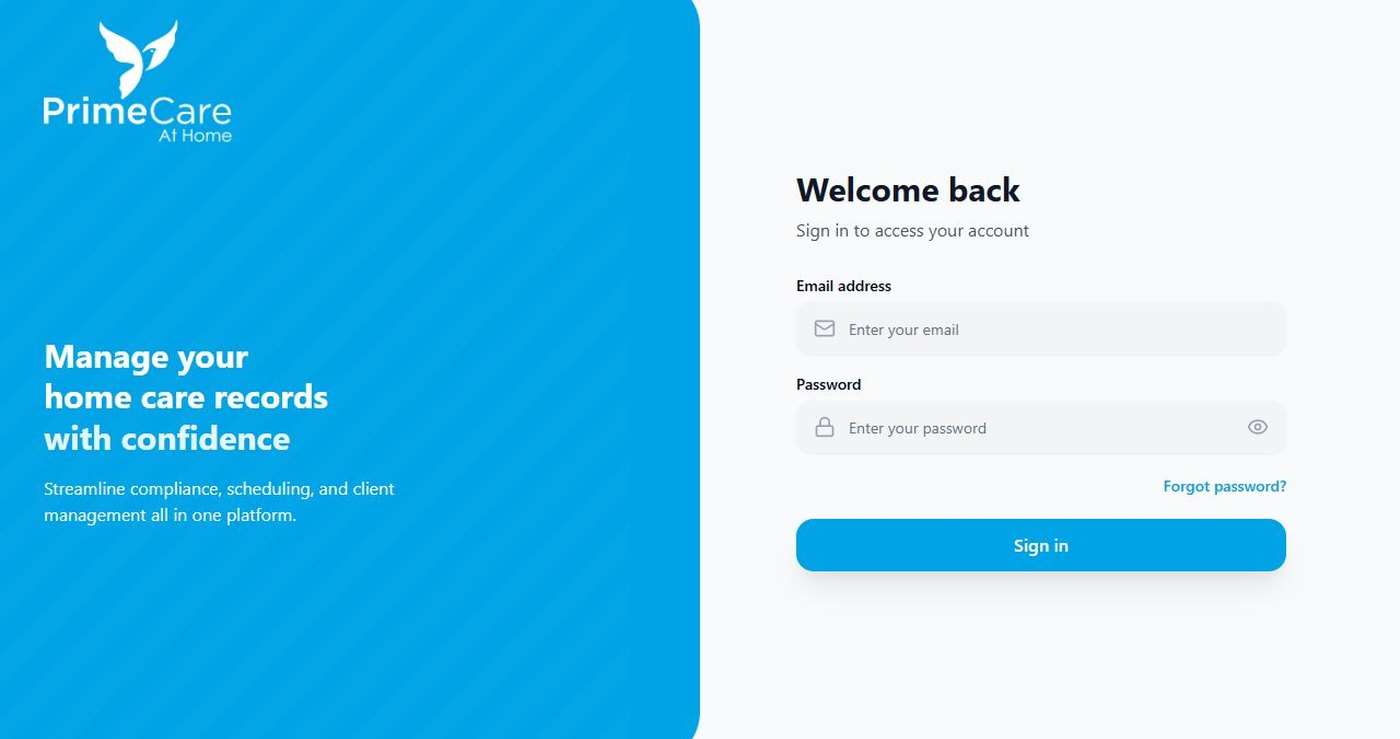
Internal portals

  • Staff dashboards for records, tasks, files, and status.
  • Role-based access for owners, staff, vendors, partners, or customers.
  • Searchable records with filters, notes, and admin controls.
  • Private pages that connect to forms, documents, reminders, and reporting.
Customer and vendor workflows

  • Customer portals with saved information, requests, documents, and history.
  • Vendor directories, approval steps, collaboration records, and communication paths.
  • Application, onboarding, intake, or review flows that move work to the right next step.

Document and compliance tools

  • Upload, review, expiration, reminder, and audit-view workflows.
  • OCR-assisted capture when files need to become searchable or easier to verify.
  • Permission-aware access for sensitive records and admin-only review.

Commerce and operations systems

  • Product, inventory, checkout, payment, order, subscription, and customer admin workflows.
  • Dashboards that combine store, form, CRM, spreadsheet, email, or third-party API activity.
  • Supportable admin screens instead of fragile manual handoffs.

AI-assisted business tools

  • Document search and summarization for internal knowledge.
  • Guided review helpers for forms, goals, records, or content.
  • Friendly website assistants that answer common questions and route users to the right next step.

Custom tool mistakes to avoid.

These are the places where useful web work usually gets more expensive, slower, or harder to maintain than it needs to be.

  • Starting with a giant feature list instead of the first workflow that needs relief.
  • Ignoring roles, permissions, and owner-friendly admin views until late in the build.
  • Building a custom tool when a better WordPress, form, CRM, or store setup would solve the problem.
  • Launching without testing notifications, records, mobile screens, backups, and analytics events.

Use the resource as a diagnostic, then move into the service page that matches the strongest problem.

Want help turning the checklist into a plan?

Send the current URL, the workflow or page that feels weakest, and what you want the web experience to do next.

Email Us support@bluegrass-media.com