
The work lives in too many places
Teams end up bouncing between spreadsheets, emails, shared drives, form plugins, payment records, and manual status updates.

From customer portals to staff dashboards, we create simple, secure tools that keep your work moving.
Custom tools make sense when the same business process keeps creating manual work, missed handoffs, duplicate entry, or unclear ownership.
Teams end up bouncing between spreadsheets, emails, shared drives, form plugins, payment records, and manual status updates.
A brochure site can explain the business, but it cannot always handle intake, approvals, records, customer access, reporting, or staff workflows.
Owners, staff, customers, vendors, and partners often need different permissions, dashboards, files, notes, and next steps.
The goal is not complexity. It is a clear tool the business can actually use, test, improve, and maintain after launch.
The work can start as a focused portal, dashboard, or workflow layer before growing into a deeper business system.
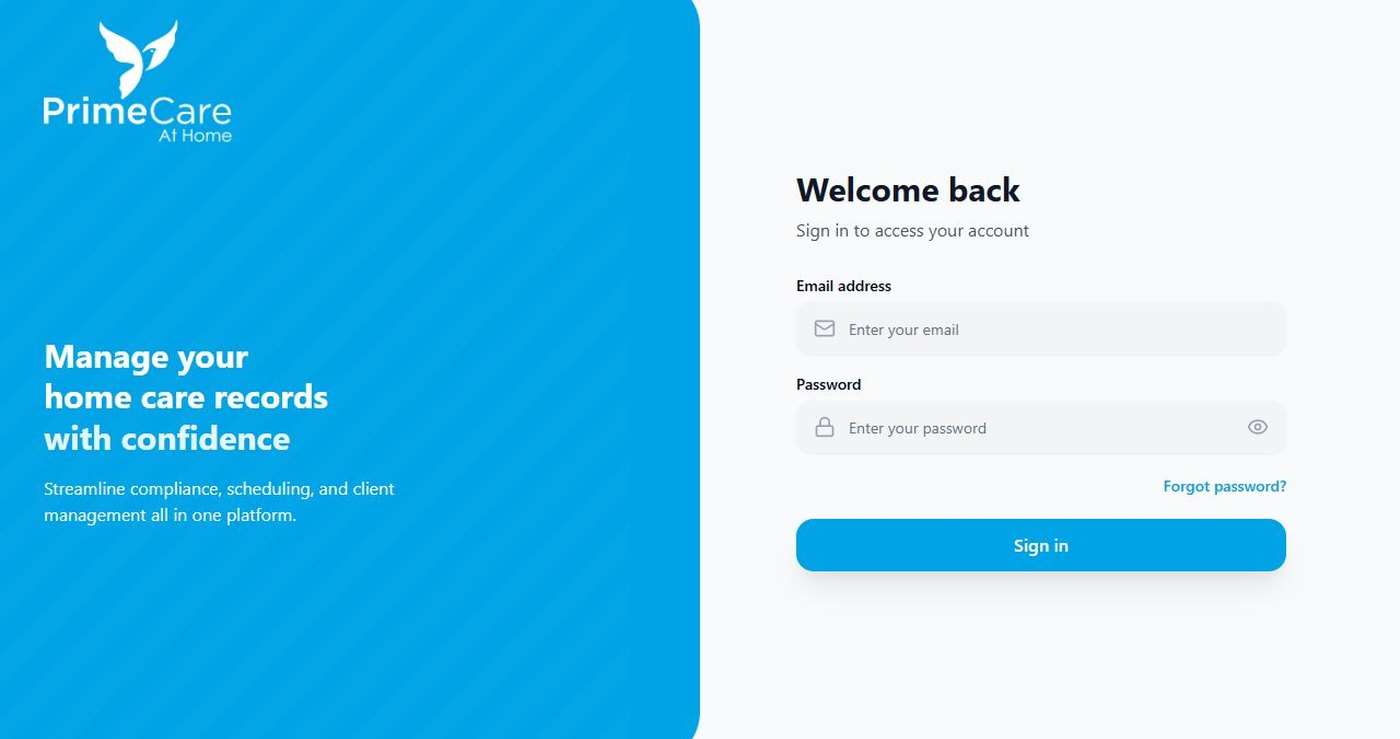
A secure web platform for records, onboarding, document tracking, compliance reminders, audit views, and admin visibility.

A custom talent pipeline platform with applicant intake, category workflows, evaluator scoring, admin dashboards, audit logs, and candidate pipeline management.
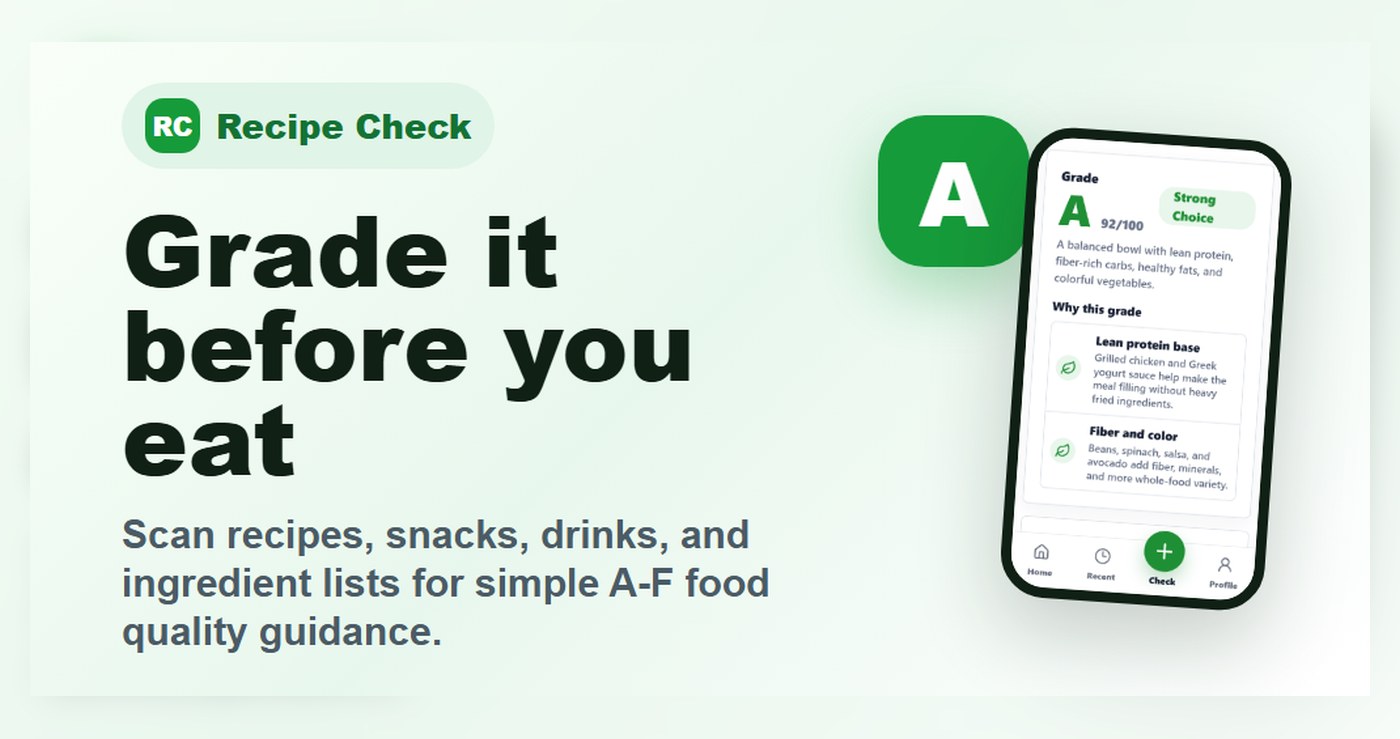
A mobile-first app foundation with food-quality checks, photo and text inputs, account flows, admin tools, policy pages, and launch support.

A WordPress and LearnDash training platform with registration, Stripe payments, lessons, quizzes, progress tracking, and instructor tools.
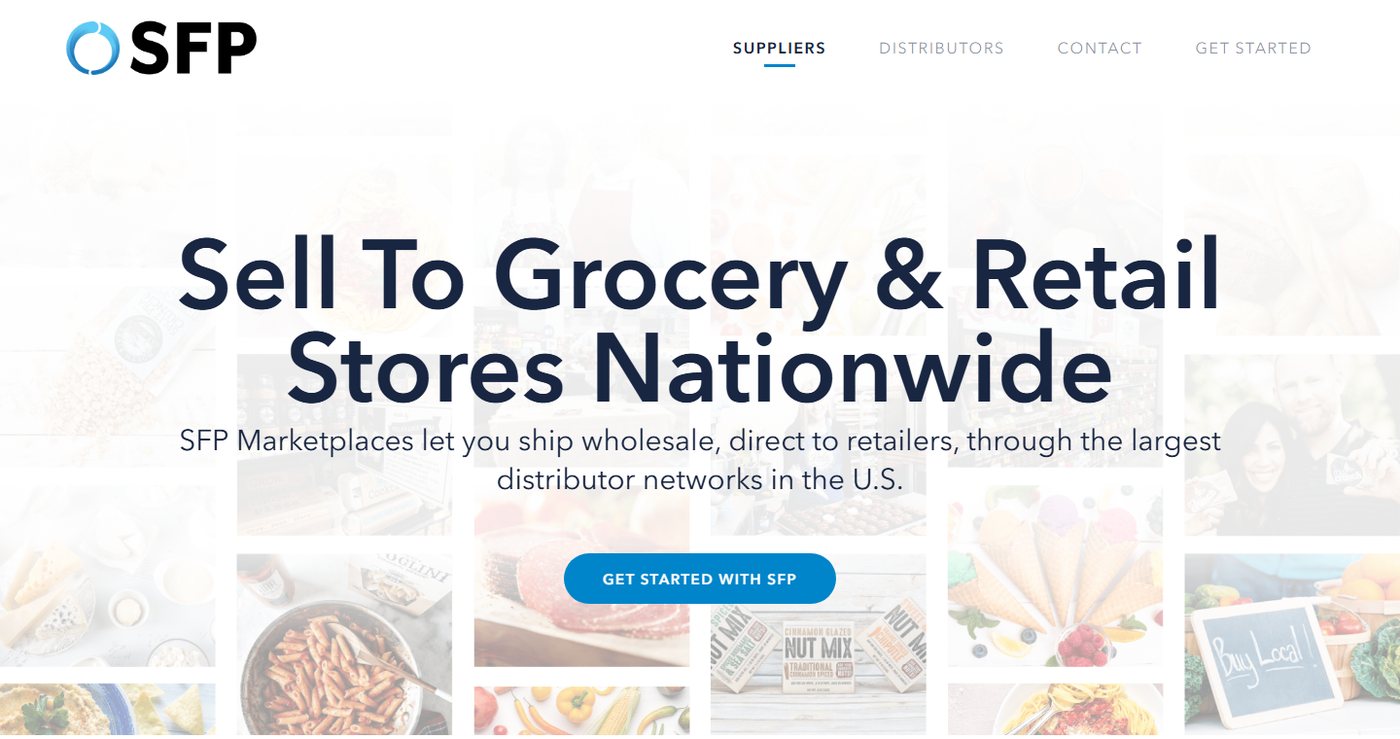
A cleaner portal-style workflow for food operations moving away from fragmented inventory tracking and manual coordination.
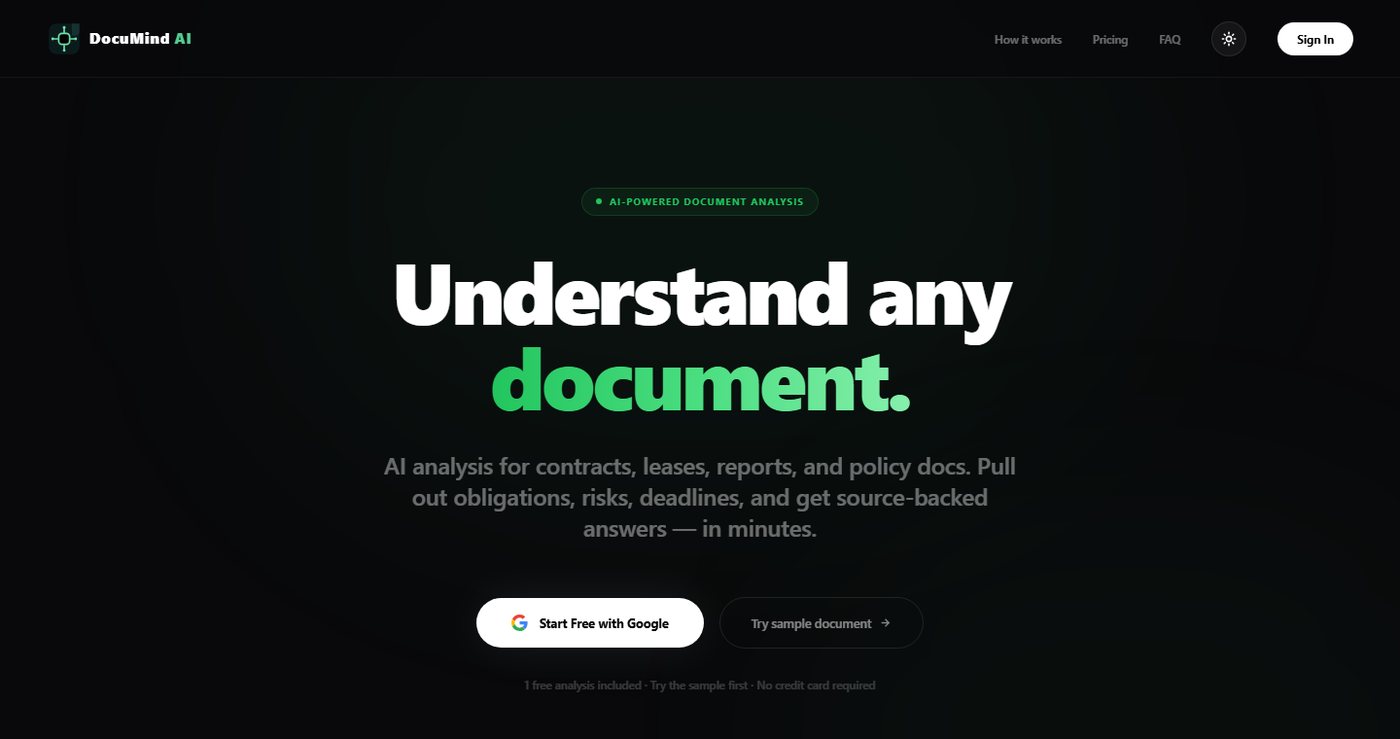
A document search and analysis platform for teams that need faster retrieval from PDFs, Word files, and knowledge libraries.
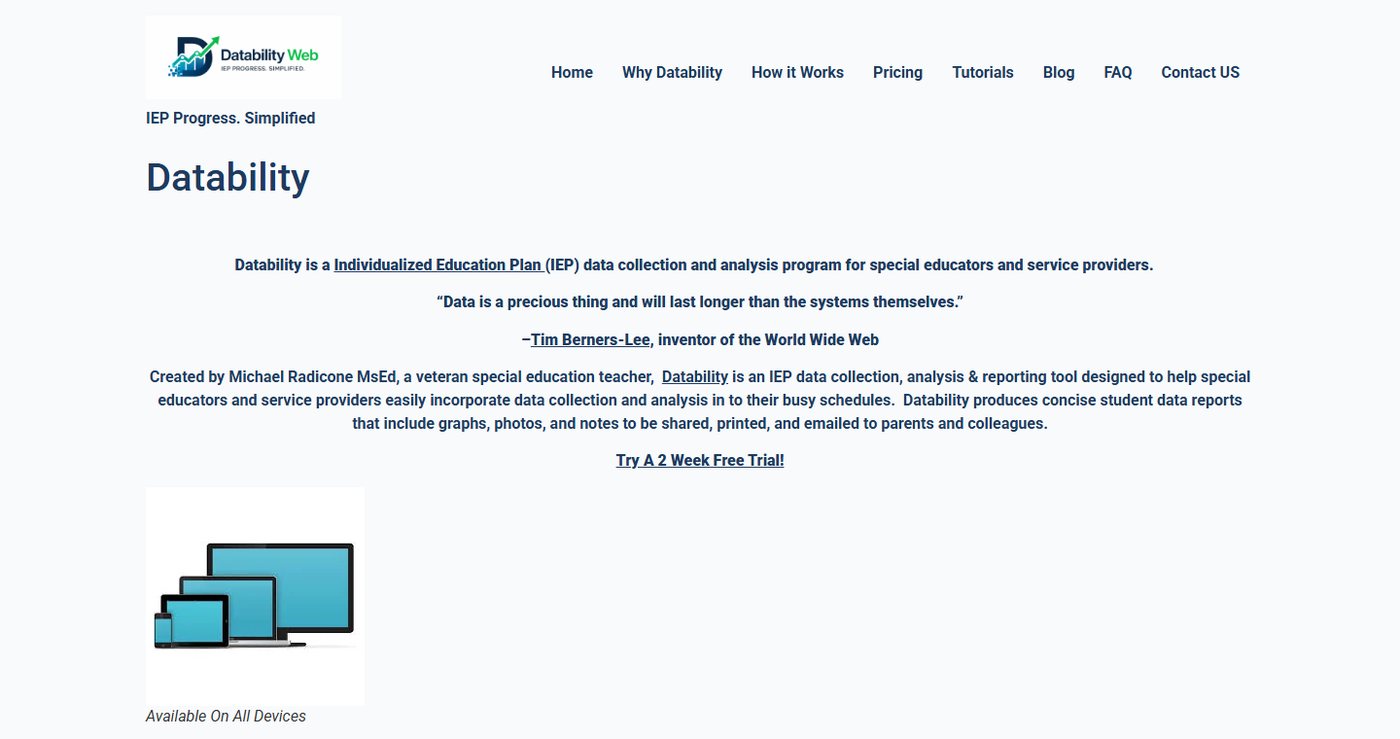
An embedded assistant that helps educators review, improve, and standardize goal-writing work inside an existing process.
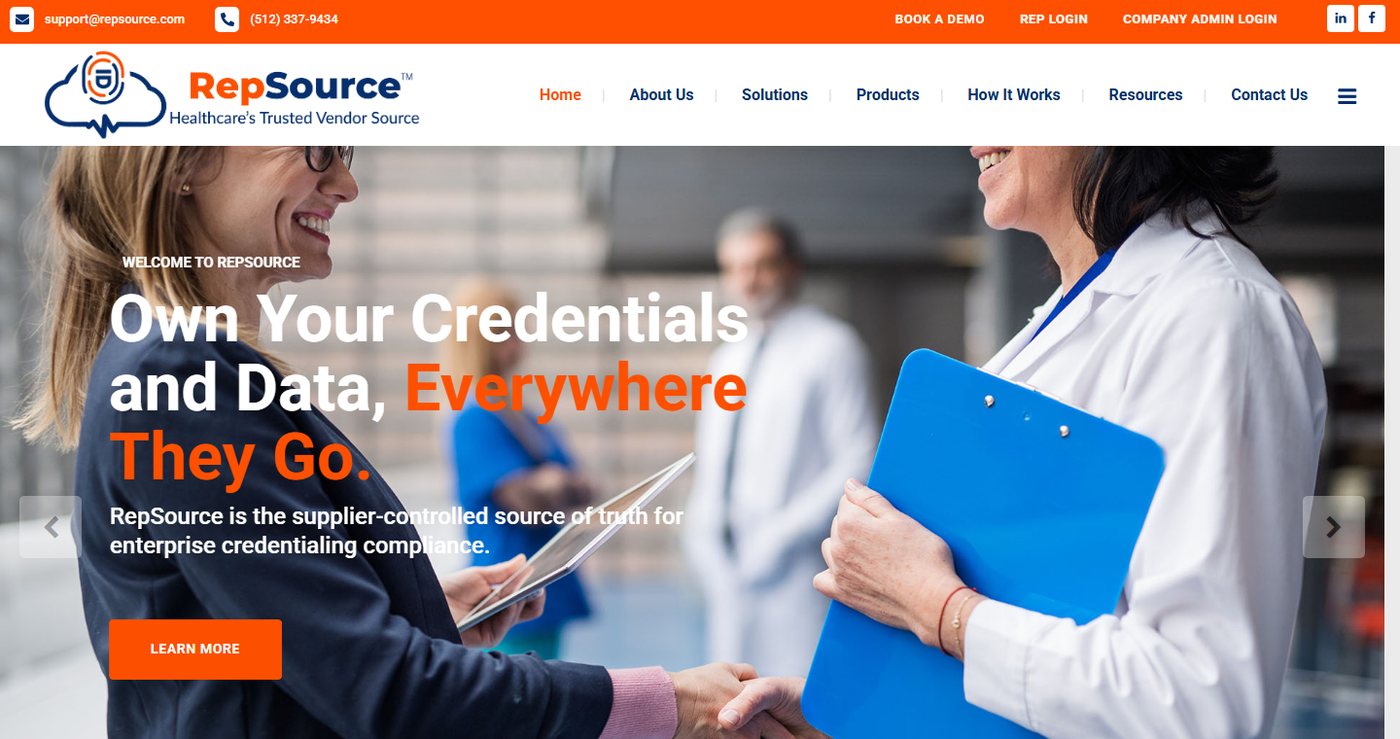
A secure directory and collaboration platform for healthcare vendor relationships, profiles, communication, and team coordination.
The best first version is usually the smallest release that makes an important recurring process easier to run and easier to trust.
We start with the people, records, decisions, handoffs, and recurring work that the tool needs to support.
The first version should solve a real operational problem without trying to turn every idea into a giant build.
The system needs sensible admin views, safer access patterns, clear data handling, and maintainable code.
Forms, emails, records, dashboards, payment paths, exports, mobile screens, and analytics events get checked before launch.
Some teams need a public website first. Others already have the public story and need the operational web layer behind it.
You have a real business process that is already happening manually, and a focused portal or web tool would reduce drag.
If the issue is mostly public trust, start with website redesign, service pages, proof, mobile cleanup, and form tracking.
A staff dashboard, intake flow, customer portal, document workflow, searchable record set, or lightweight reporting view.
Send the current tools, spreadsheets, forms, screenshots, user roles, and the repetitive work that needs to become easier.
Most portal and dashboard work connects to mobile behavior, backend systems, ongoing support, or a public website that needs to explain the value clearly.
For technical reviews, roadmaps, rescue sprints, landing pages, and monthly support blocks with clearer scope boundaries.
For broken forms, inherited WordPress builds, WooCommerce issues, tracking gaps, launch blockers, and app handoff problems.
For one focused offer page with buyer-focused copy, proof, FAQs, CTAs, internal links, and tracking-ready actions.
For recurring WordPress, WooCommerce, LearnDash, forms, tracking, landing page, maintenance, and business-system support.
For designers, marketers, and agencies that need dependable WordPress, WooCommerce, funnel, portal, integration, QA, or rescue help behind the scenes.
For public websites that need clearer messaging, stronger proof, cleaner service pages, better mobile layout, and a stronger inquiry path.
Send the current tools, the people involved, the repetitive steps, and where the work breaks down. Bluegrass can help shape the first useful release.

Bluegrass Media builds dependable websites, eCommerce experiences, and custom web tools for organizations that need clear communication and reliable execution. adipiscing elit. Maecenas gravida orci id sem aliquet, eu egestas dui ullamcorper. In malesuada urna a suscipit cursus. Class aptent taciti sociosqu ad litora torquent per conubia nostra, per inceptos himenaeos. Proin efficitur nunc a magna blandit pulvinar. Curabitur venenatis id ligula et porttitor. Mauris feugiat interdum arcu, at convallis magna viverra quis. Sed ut urna commodo, laoreet turpis sed, dictum quam.
Vestibulum dignissim risus blandit dolor mollis, in congue orci malesuada. Quisque justo nisl, suscipit eget iaculis quis, rutrum ac massa. In hac habitasse platea dictumst. Aliquam sed velit fermentum, suscipit arcu ut, vulputate libero. Praesent at ultricies nulla. Etiam vitae turpis quis justo tincidunt varius. Quisque vulputate, libero in euismod suscipit, dui ligula viverra nulla, et hendrerit lectus tellus eget tortor. Donec sit amet justo pharetra metus convallis elementum non at lectus. Integer placerat facilisis dui, vel aliquet erat lacinia in. Integer vel metus nec lectus sollicitudin consequat rutrum ut metus. Morbi elementum est orci, vehicula feugiat dolor condimentum ut. Sed sapien sem, tempus eu tempor sit amet, feugiat eu sapien. Etiam non risus sed ipsum tristique posuere. In eget nisi vitae libero congue molestie non quis justo. Curabitur ut auctor leo, varius sollicitudin diam.